Data Dock
Displays longitude, latitude, altitude, fix mode, and other positioning details in a structured panel.
QGNSS is Quectel’s official Windows tool for interacting with their GNSS modules. It provides real-time satellite monitoring, configuration, NTRIP client connectivity, AGNSS data injection, and firmware updates through a Qt5-based GUI. Version 1.8 is the current release supporting all LC29H variants.
The main window shows the menu bar, tool bar, and a central area for sub-windows displaying positioning data.
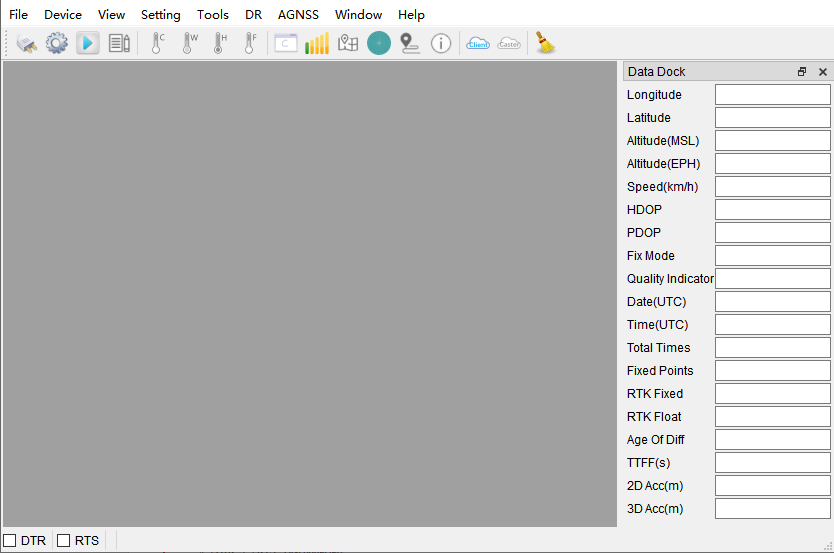
Data Dock
Displays longitude, latitude, altitude, fix mode, and other positioning details in a structured panel.
Signal Level
Bar chart of C/N0 values per satellite, grouped by constellation. Transparent bars indicate satellites not currently tracked.
Sky View
Polar plot showing azimuth and elevation of visible satellites per constellation, with satellite counts.
Deviation Map
Position scatter plot relative to the first fix. Supports CEP circle display, average point marking, and RTK-vs-normal differentiation (green vs blue).
Text/Binary Data — Raw NMEA text and binary protocol output with timestamp, pause, and filter controls.
Messages View — Parsed NMEA fields displayed in a structured parameter table.
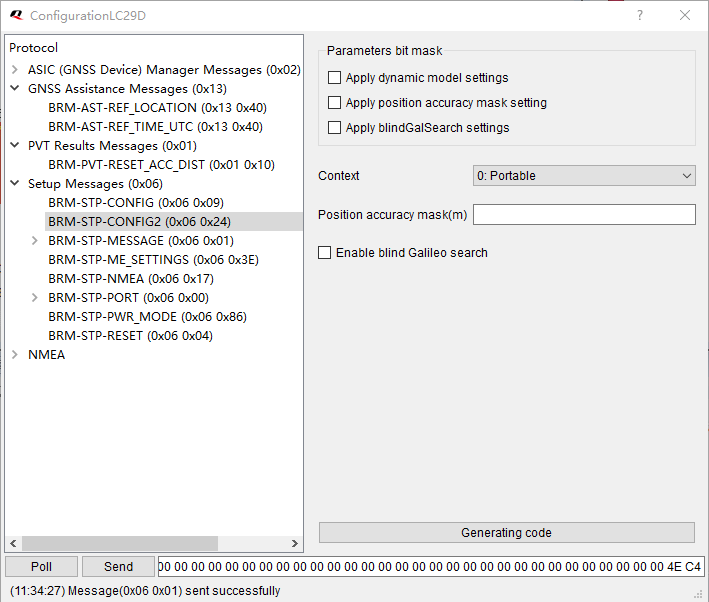
Configuration View — GUI for modifying receiver configuration parameters (varies by module variant).
| Button | Function |
|---|---|
| Connect | Serial port connect/disconnect |
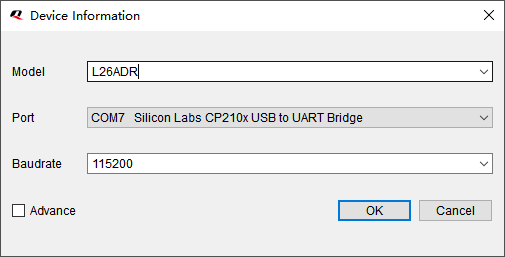
| Set Device Information | Select module and serial parameters |
| Open | Play log file |
| Cold/Warm/Hot/Full Cold Start | Send restart commands |
| Command Console | Open command console |
| GNSS Signal View | Signal level bars |
| Sky View | Polar satellite plot |
| Deviation Map | Position scatter plot |
| Data Dock | Positioning detail panel |
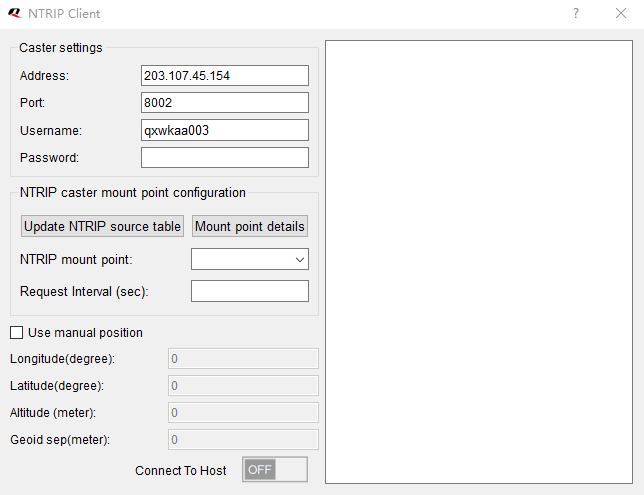
| NTRIP Client | RTK correction client |
Use the tool bar buttons to send restart commands:
| Restart Type | Effect |
|---|---|
| Hot Start | Uses stored ephemeris, position, and time — fastest restart |
| Warm Start | Uses stored position and time but re-acquires ephemeris |
| Cold Start | Clears ephemeris and position, keeps configuration |
| Full Cold Start | Clears everything including configuration — slowest restart |
.log, .txt, or .nma file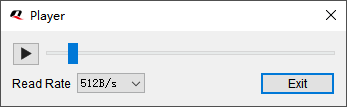
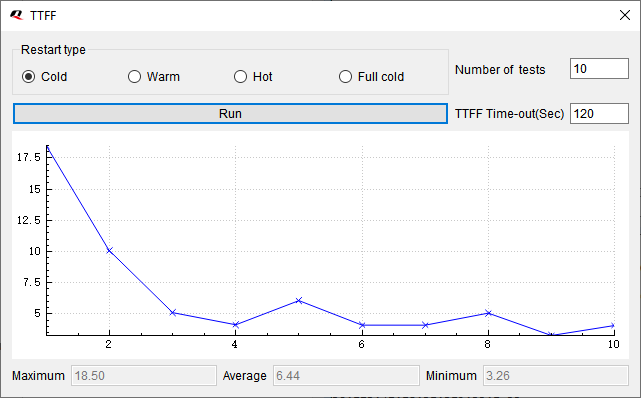
Results are saved to TTFF_xxx_xxx.log in the log folder.
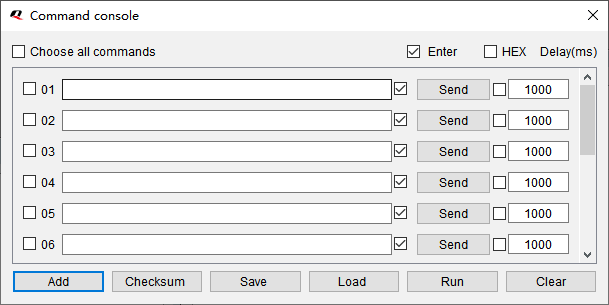
Open Tools > Command Console to send raw NMEA commands:
| Control | Function |
|---|---|
| Enter | Appends \r\n to the command |
| HEX | Sends binary data instead of ASCII |
| Delay (ms) | Delay between sequential commands |
| Checksum | Auto-calculates NMEA checksum for commands |
| Run | Sends selected commands in a loop |
| Save/Load | Persist/restore command sets to config files |
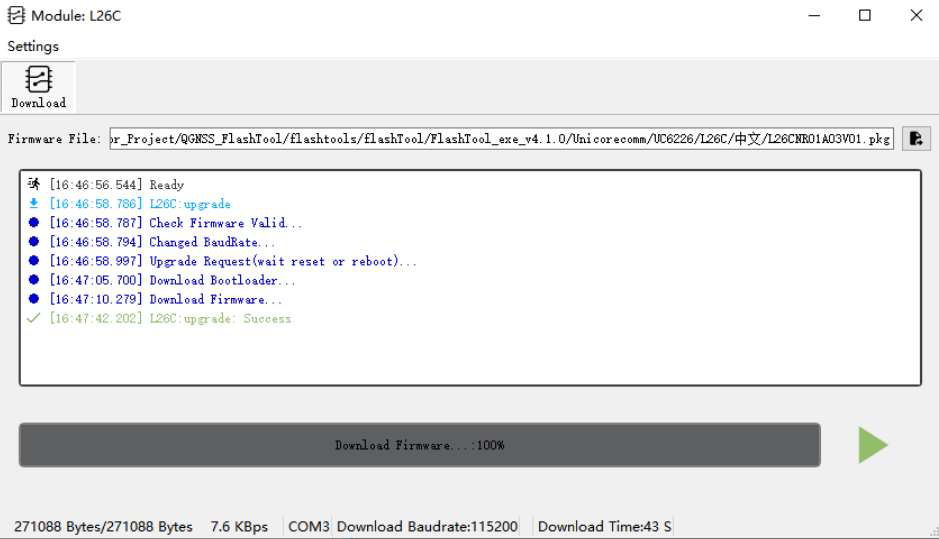
Converts NMEA log files to KML format for viewing tracks in Google Earth or other GIS tools.
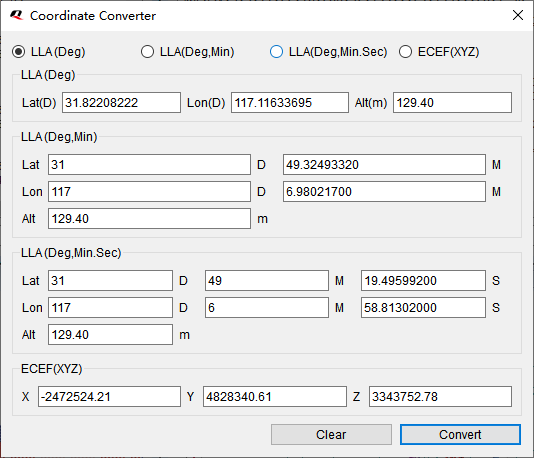
Converts between four coordinate formats:
The DR tab displays Dead Reckoning calibration status for BA and CA variants, including IMU sensor state, calibration progress, and DR/GNSS fusion mode.
QGNSS is Windows-only. For Linux and macOS users, the lc29h Python package provides:
| QGNSS Feature | lc29h Equivalent |
|---|---|
| Serial monitor | lc29h monitor |
| Satellite view | lc29h satellites |
| Configuration | lc29h config |
| NTRIP client | lc29h ntrip |
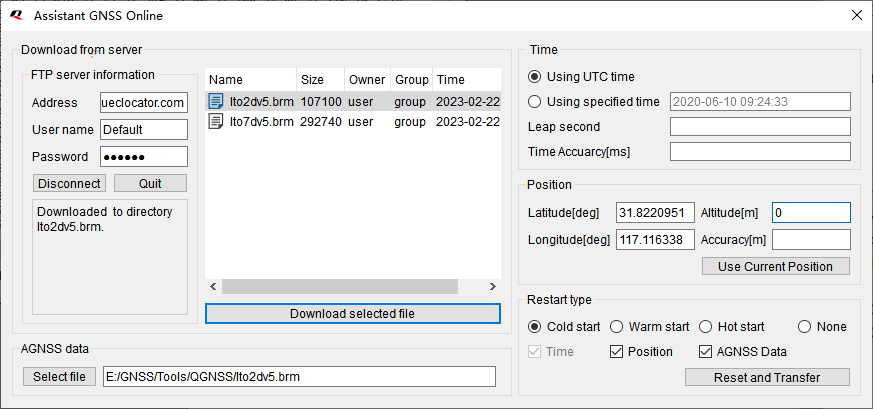
| AGNSS injection | lc29h agnss |
| Command console | lc29h send-command |
| Firmware version | lc29h version |
| Restart commands | lc29h restart |
See the Python CLI guide and MCP Server guide for details.